phone shopping cart Account
Why Choose AprilAire

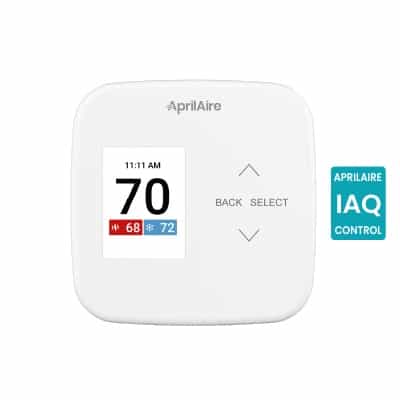
We have been delivering Healthy Air since 1954 to help you feel better, sleep better, and live better. With solutions to manage all aspects of Indoor Air Quality for all types of homes in all environments, AprilAire is committed to helping you achieve a greater quality of life. AprilAire Thermostats make it convenient for you to control and monitor your home’s air quality, benefitting your health and comfort. AprilAire Humidifiers, Dehumidifiers, Air Purifiers, and Ventilation products can be controlled from your thermostat (IAQ models only). This level of Indoor Air Quality control gives you reliability, convenience, and peace of mind.

Energy Savings

Control your home’s air with efficiency in mind.
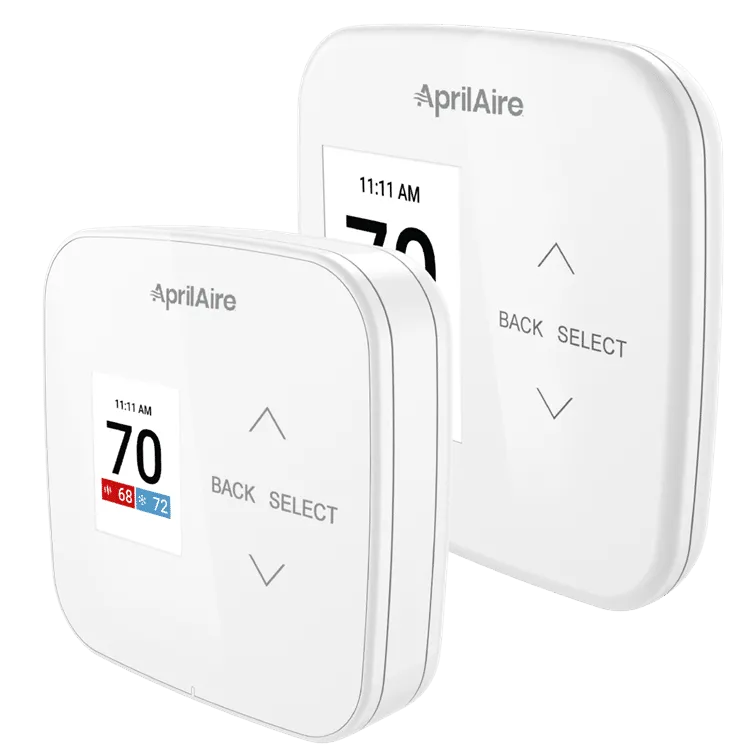
Total Air Control

Adjust your air’s purity, humidity, and freshness—not just temperature.

Mobile Access

Your home’s Indoor Air Quality is always at your fingertips.

Thermostat Videos

Looking for more information on AprilAire Thermostats? Below you will find various videos related to AprilAire Thermostats and the benefits of total air control in your home.

The Healthy Air App

The new AprilAire Healthy Air App is here! It’s intuitive, easy-to-use, and optimized for reliability.

Download Now:

Close-up of a smartphone displaying the AprilAire app with a 'Healthy Air Control' dashboard showing an indoor temperature of 74 degrees.

AprilAire Wi-Fi Thermostat Models

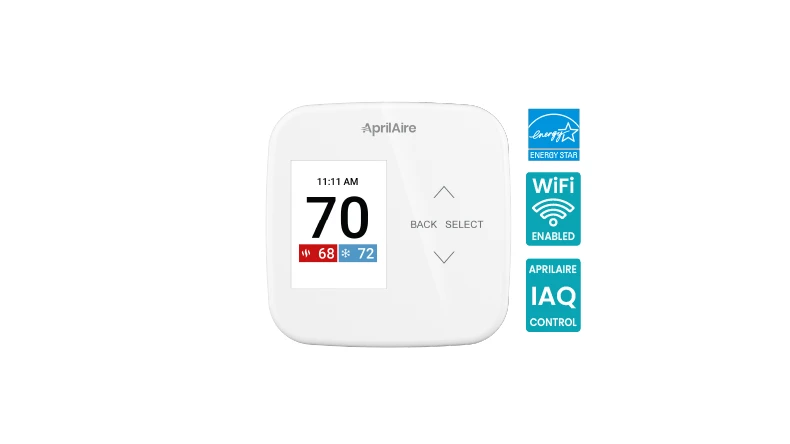
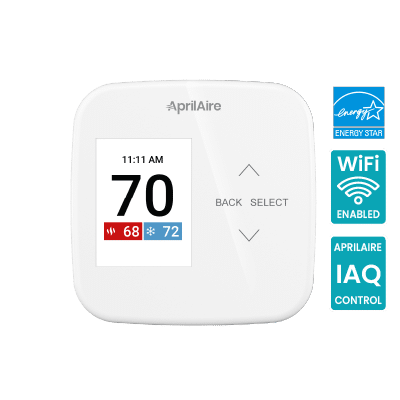
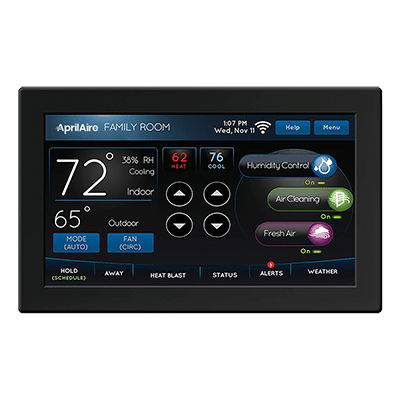
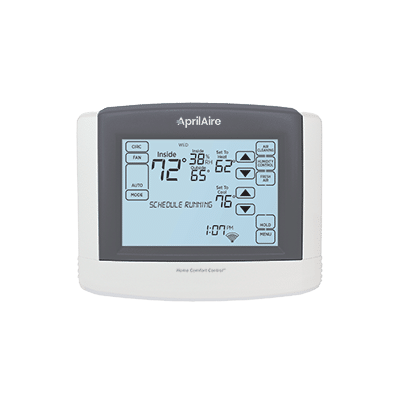
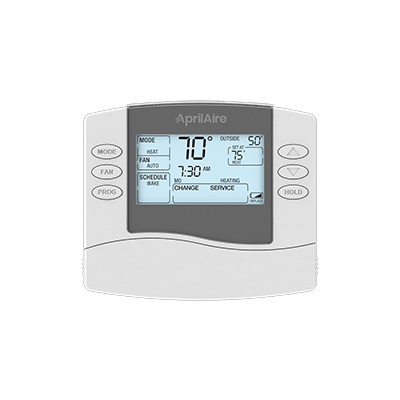
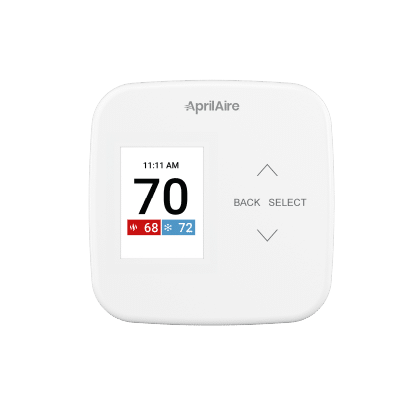
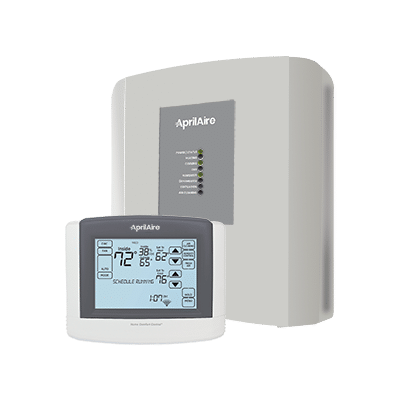
AprilAire offers a number of different thermostats plus compatible sensors that work with a wide range of heating and cooling systems, as well as your installed AprilAire Healthy Air solutions. Each AprilAire Thermostat provides accurate readings of your home’s temperature and can help improve your home’s energy efficiency. Learn more about AprilAire Monitors


AprilAire Monitors

Make the unseen seen with AprilAire Monitors and sensing options to paint a complete picture of the Indoor Air Quality in your home. Take mitigation action when unhealthy conditions are detected.
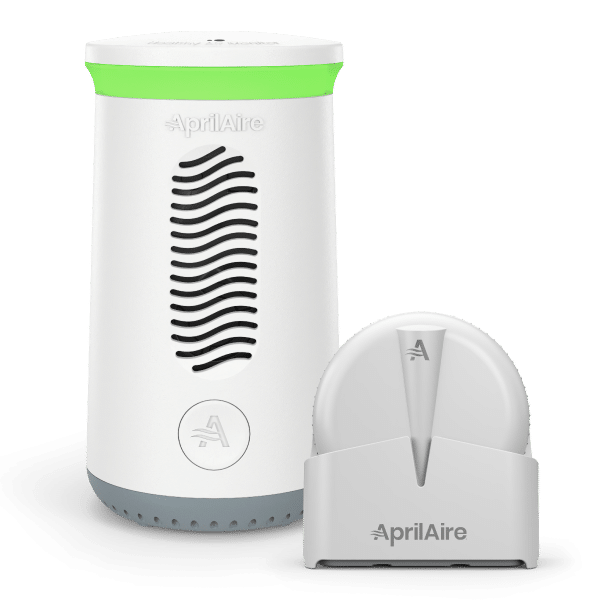

SHOP NOW

AprilAire Sensors

Frequently Asked Questions

For precise temperature regulation, it is recommended to install AprilAire Thermostats on an interior wall within a frequently used area that accurately reflects the overall temperature of the home. Ensure the thermostat is positioned at least 18 inches away from any external wall, approximately 5 feet above the floor, and may be mounted to a vertical junction box.

Avoid installing your AprilAire Thermostat in the following conditions: behind doors, in corners, or other stagnant air spaces; in direct sunlight or close to lamps, appliances, or heat sources; on an exterior wall or a wall exposed to an unconditioned space (e.g., garage); in the path of a supply register airflow, in stairwells, or near exterior doors; on a wall where hidden pipes or ductwork may impact the thermostat; close to sources of electrical interference like arcing relay contacts.

The Auto mode enables the AprilAire Thermostat to initiate heating or cooling based on the specified heating and cooling temperature set points. As the temperature in the living space fluctuates, the thermostat assesses the heating and cooling set points to determine whether heating or cooling activation is necessary.

Whenever the living space temperature deviates from the desired level, the AprilAire Thermostat initiates a heating or cooling cycle, depending on what is required to restore the living space temperature to the desired level. This differs from the Heat or Cool mode, where the AprilAire Thermostat can only activate heating or cooling but not both. In the Heat mode, it can only initiate a heating cycle, and in the Cool mode, it can only initiate a cooling cycle. In Auto mode, it has the flexibility to initiate either a heating or cooling cycle as needed.

The AprilAire Thermostat features a mode function, and one of the available modes is “Off.” When in the Off mode, the thermostat is restricted from initiating heating or cooling calls, and this setting does not impact the thermostat’s programming. To activate the AprilAire Thermostat and operate the heating and cooling system, it must be set to either the Heat, Cool, On, or Auto mode.

You can activate the Vacation feature either through the AprilAire Healthy Air App or directly on the thermostat.

Using the App:

  1. In the app, choose your thermostat
  2. Select the gear/settings icon in the upper right-hand corner
  3. Click on Vacation Mode
  4. Set the date/time for your return from vacation, along with the preferred minimum and maximum temperatures, and fan settings for when you’re away
  5. Press Start Vacation

Using the Thermostat:

  1. Go to Menu > Vacation on the thermostat
  2. Set the date/time for your return from vacation, along with the desired heat setpoint, cool setpoint, and fan settings for when you’re away
  3. Press Start

Creating a schedule enables you to set different temperature preferences at various times during the day, promoting energy efficiency when you’re away from home. The daily schedule is divided into four segments:

Wake: Preferred temperature upon waking up
Leave: Temperature when you’re not at home
Return: Preferred temperature upon returning home
Sleep: Preferred temperature during sleep

Individual start times and temperatures are customizable to suit your specific preferences and home requirements. You can change the schedule either through the thermostat or the app.

To Set Up Within the App:

  1. Select the thermostat within the app
  2. Towards the bottom, choose Schedule and ensure it is set to On
  3. Select Schedule > Modify
  4. Configure the Wake, Leave, Return, and Sleep settings, including start time, controlling sensor (if wireless sensors are installed), heat setpoint, cool setpoint, and fan control
  5. Repeat these steps for each day or copy the configuration to other days

To Set Up Through the Thermostat:

  1. Navigate to Menu > Schedule
  2. Turn the schedule ON by highlighting the ON/OFF toggle and pressing Select
  3. Select Modify
  4. The thermostat allows configuration for All Days, Weekdays, Weekends, or individual days. Choose the desired day(s)
  5. Within the selected day(s), configure the Wake, Leave, Return, and Sleep settings, including start time, heat setpoint, cool setpoint, fan control, and controlling sensor (if wireless sensors are installed)
  6. Repeat these steps for each day

Geofencing establishes a virtual boundary around your residence and automatically switches your thermostat to Away mode upon leaving this boundary, leading to energy savings. Upon re-entering the boundary, the thermostat returns to its regular operation, ensuring your home is at the preferred comfort level upon your arrival.

To configure Geofencing, follow these steps using the AprilAire Healthy Air App:

  1. Click on the menu option located in the upper left corner.
  2. Choose Geofencing from the list
  3. Activate Geofence
  4. Enter the address where the thermostat is placed. If you’re presently at the location, you can opt for Use Current Location to save the address.
  5. Specify your desired radius for the geofence (virtual perimeter), ranging from 1 mile to 25 miles. This radius determines when the thermostat switches to Away mode upon exiting the area and returns to normal upon re-entry.

Connect with trusted AprilAire Pros near you

✓ ZIP verified
Location Data:
AprilAire Pro consultation